Make a deck from a web link
Kai reads a public page and builds the deck from what it says.
Make a deck from a web link
Kai reads a public page and builds the deck from what it says.
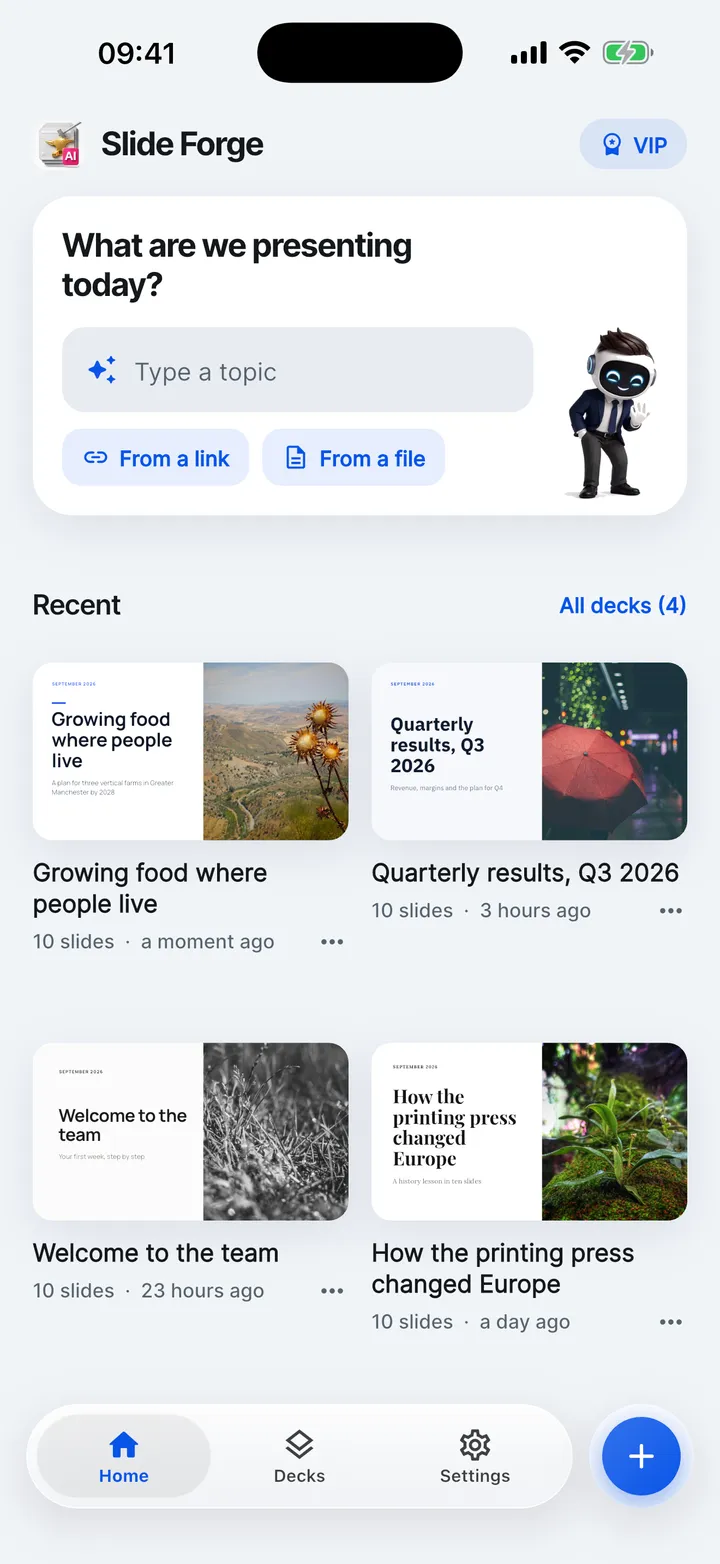

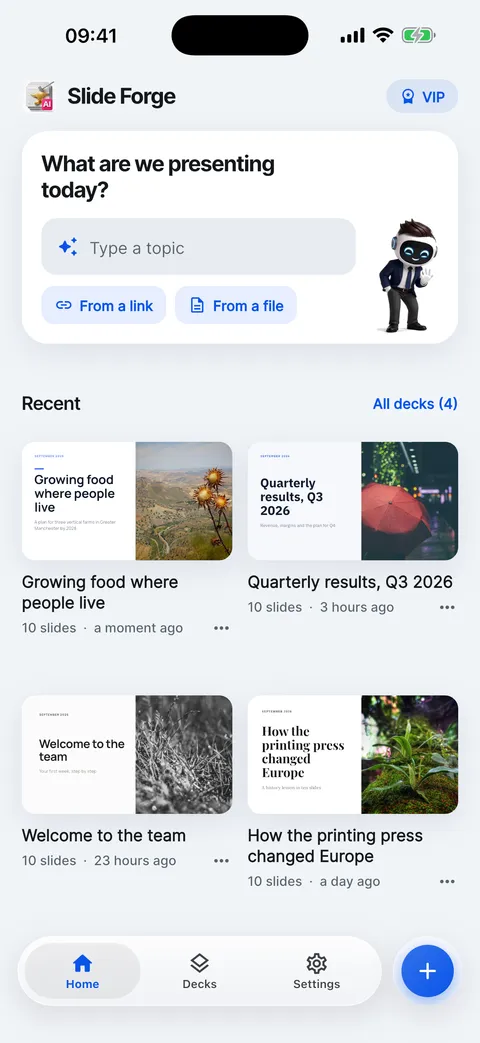
- On Home, tap From a link.
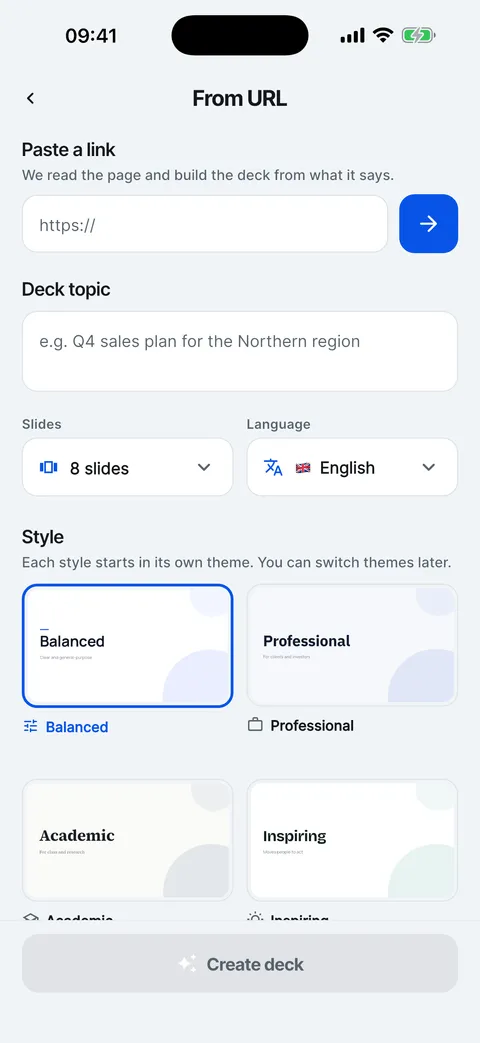
- Paste the address of a public web page.
- Kai reads the page. The topic fills in with its title.
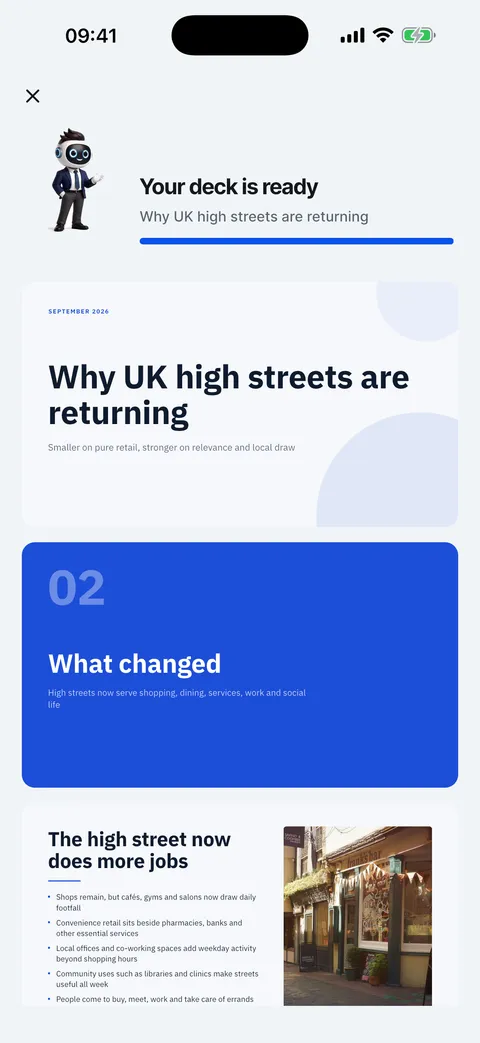
- Tap Create deck and wait about half a minute.
- The deck uses the page’s facts. Check them before you present.