Tell Kai your topic. Get a finished deck.

Slide Forge turns a topic, a web link or a document into a designed presentation on iPhone and iPad.

The iPad editor: a full canvas with the floating tool palette on the left and the slide strip below.
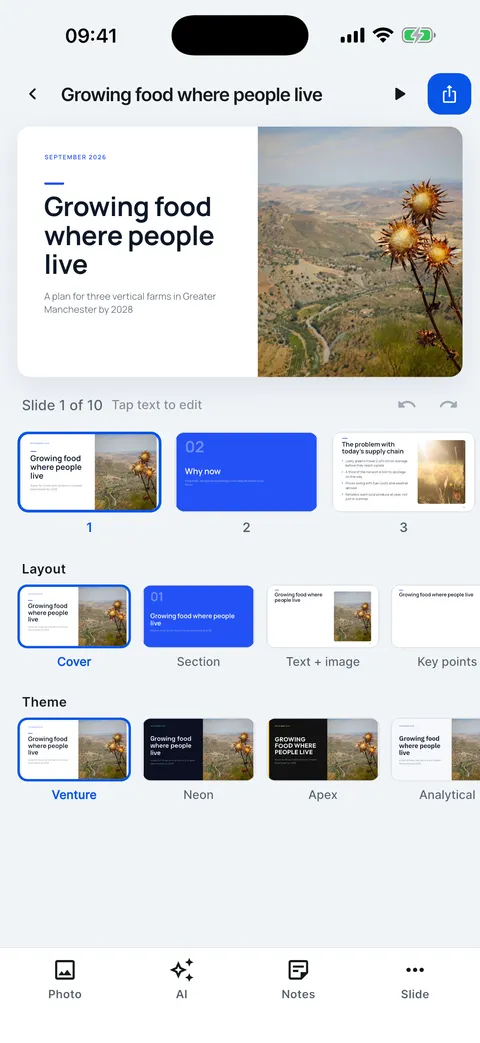
The editor on iPhone: the slide, the slide strip, layout and theme rows, and the Photo, AI, Notes and Slide tools.

Half a minute, start to finish

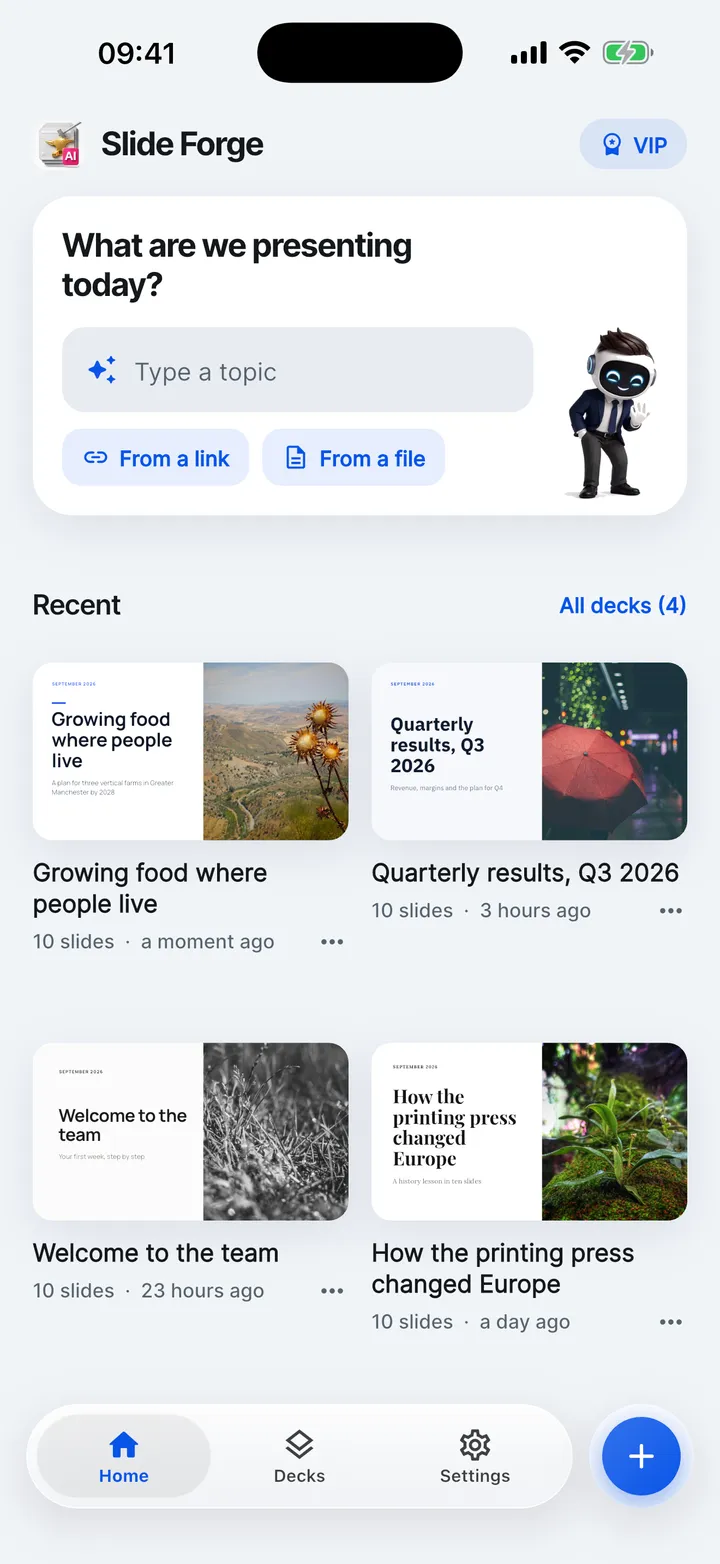
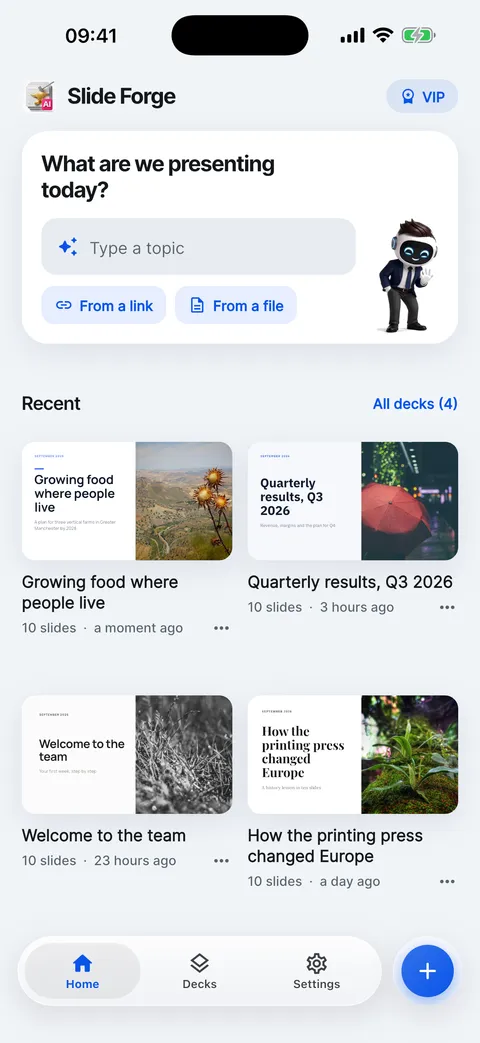
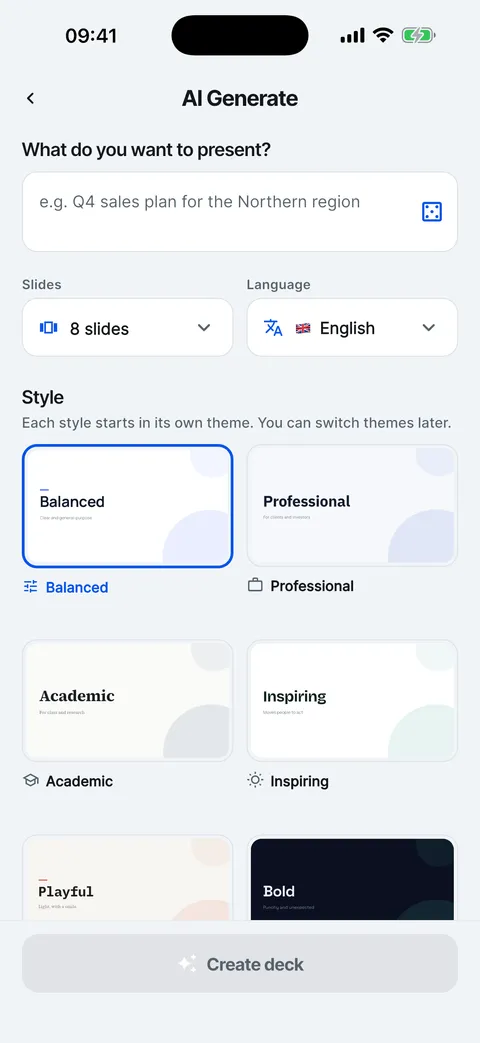
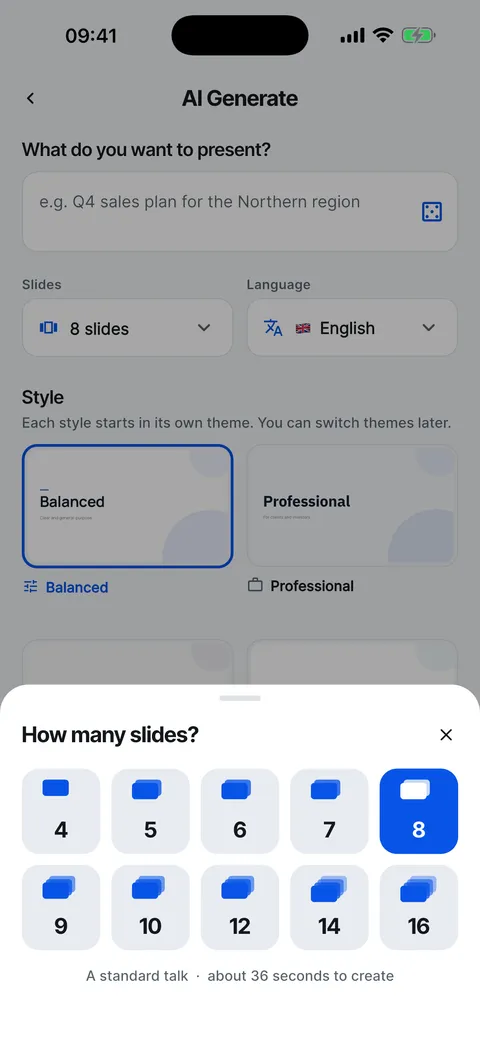
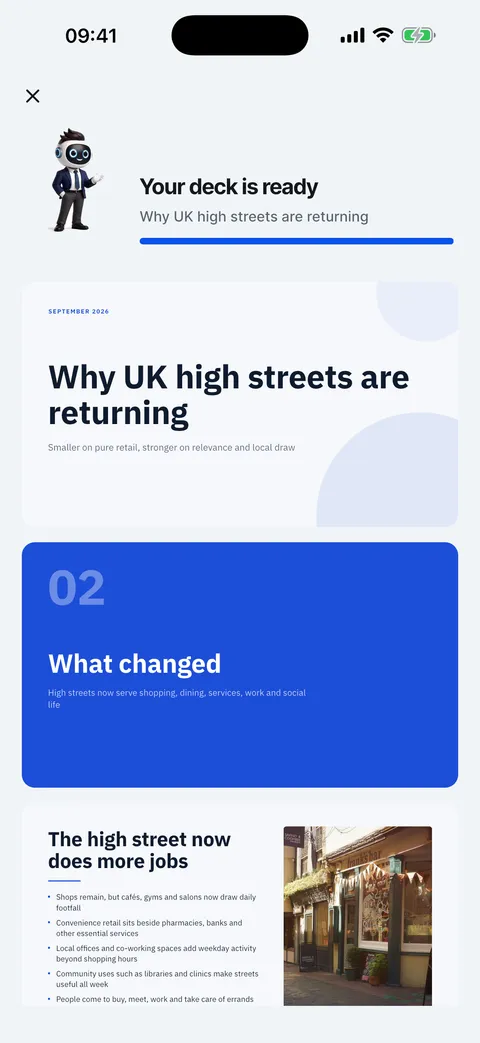
This is the real app. Each step is a real screen.

  1. Tap Type a topic on Home.
  2. Write what the deck is about in one sentence.
  3. Choose the number of slides, the language and a style.
  4. Tap Create deck. Kai plans the story, then writes each slide.
  5. The deck opens in the editor, ready to change.

Twelve looks, one tap

Every deck comes designed. Switch the whole theme and it stays laid out, on iPhone and on iPad.

The Theme panel on iPad in dark mode, next to the slide it restyles.
The Theme panel in dark mode: twelve themes previewed on your own cover slide.

Change the tone of every slide at once

Professional, Friendly, Academic, Inspiring, Playful or Bold. Simpler words, shorter, fixed or translated. One Undo brings it all back.

Learn more

The AI panel: whole-deck tone changes, Simpler words, Shorter, Fix language, Translate, and changes for this slide.
A live poll with results: Which site should open first? Salford 53%, Trafford 28%, Oldham 19%, 32 votes.

Your audience follows on their phones

Share a link while you present. People see your current slide, react, ask questions and vote in polls. No app needed.

Learn more

Link stats: 48 views, 31 people, 4m 12s average, 77% saw it all, time on each slide and recent views.

Know who read it

Send a web link and see views, time on each slide and how far each person got.

Learn more

Kai, the Slide Forge assistant

Your next talk, finished sooner.

Your first deck is free.