
Present live with a poll
Your audience follows on their phones, reacts and votes.
Present live with a poll
Your audience follows on their phones, reacts and votes.
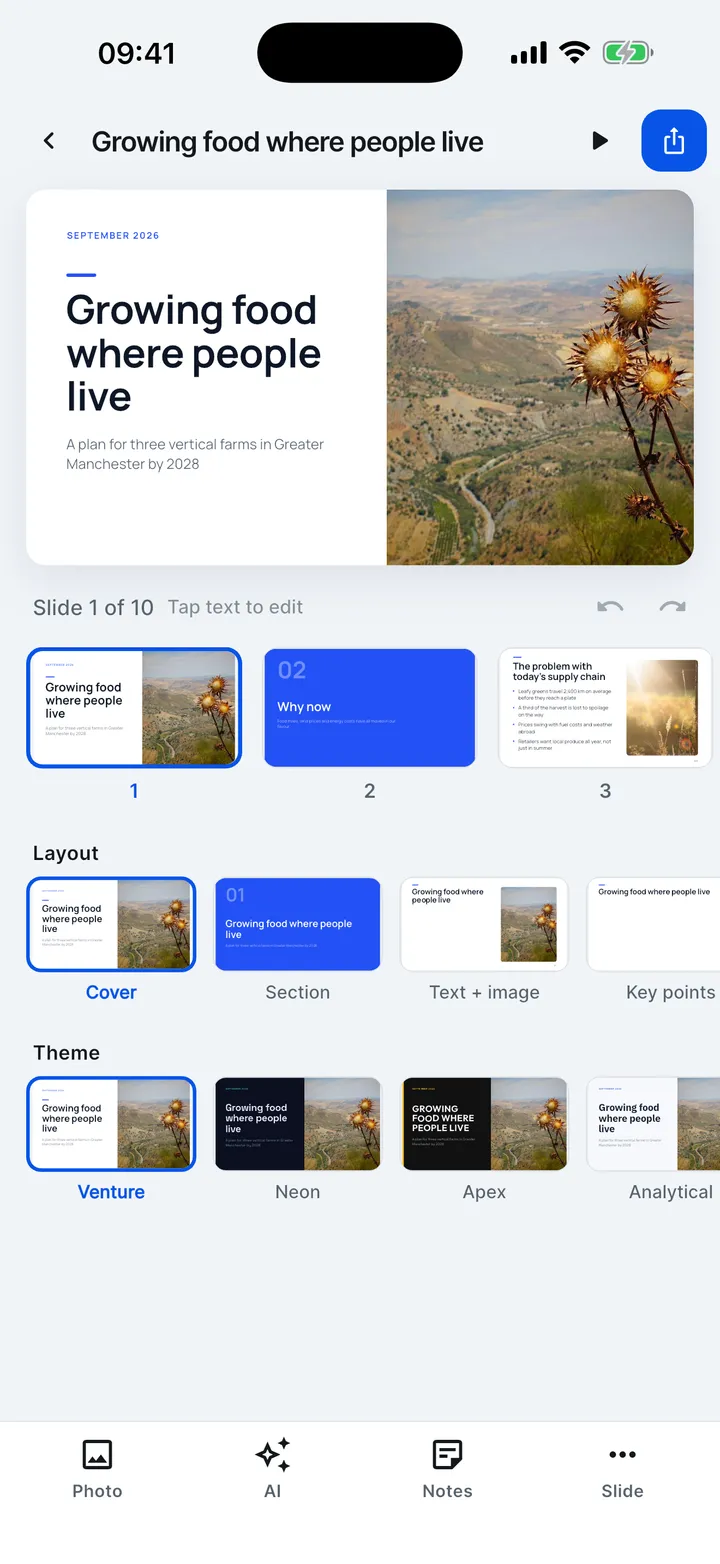

- In the editor, tap the play button to present.
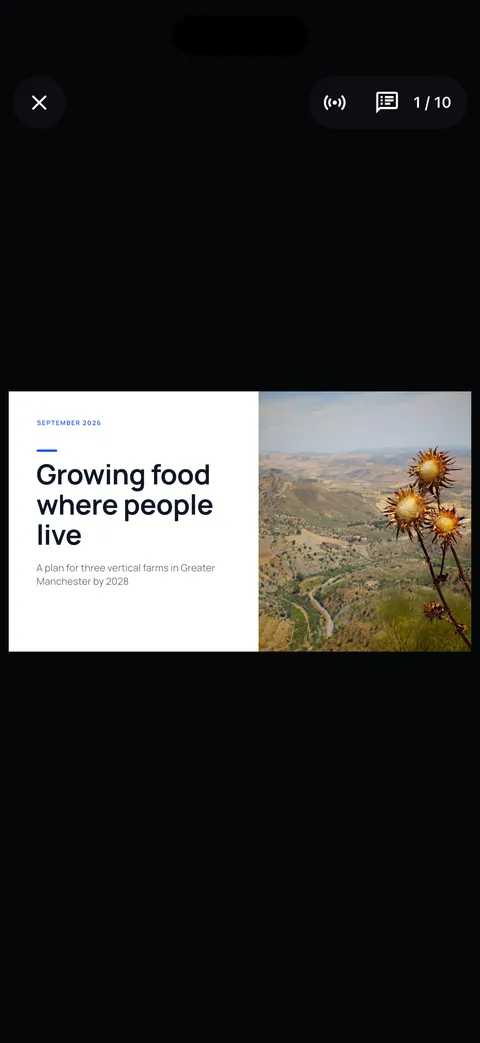
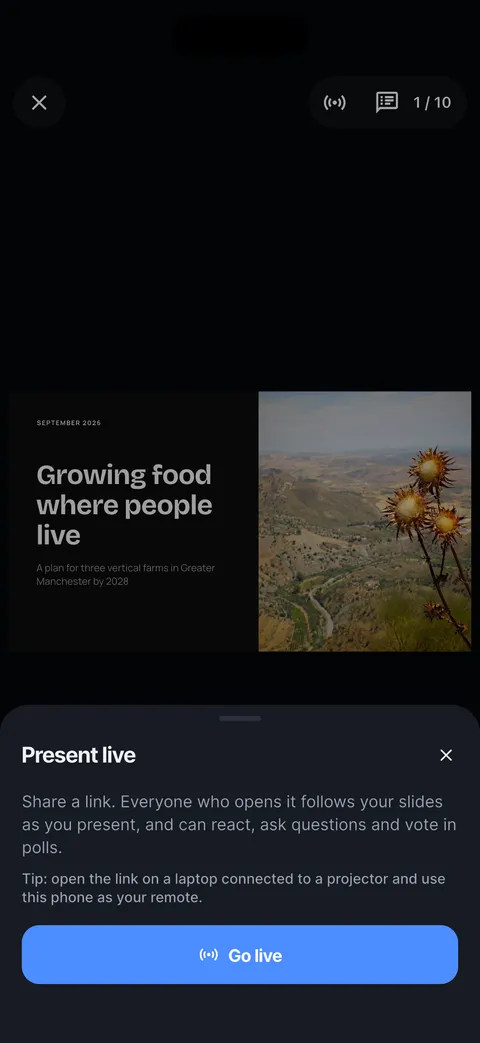
- Tap the middle of the screen, then Present live.
- Tap Go live and share the link. Nobody needs the app.
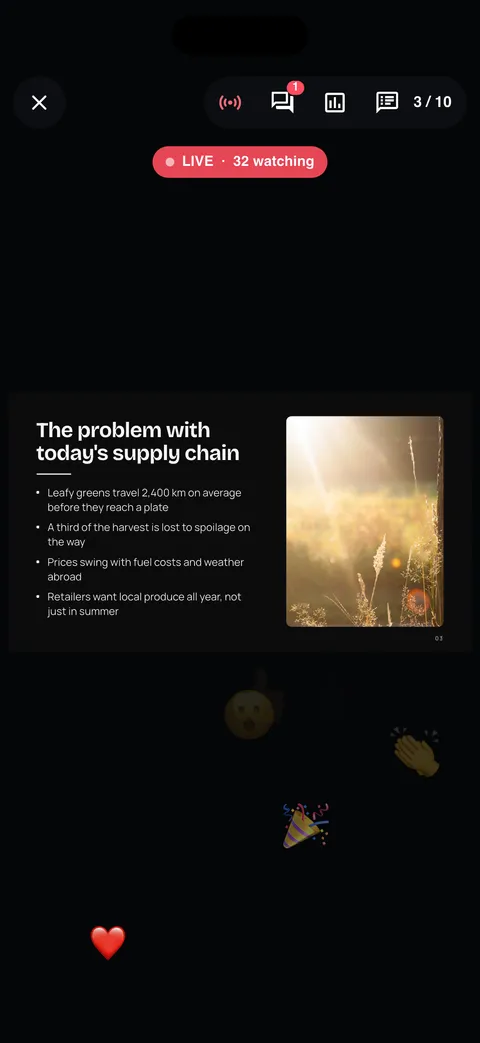
- The LIVE badge shows how many are watching.
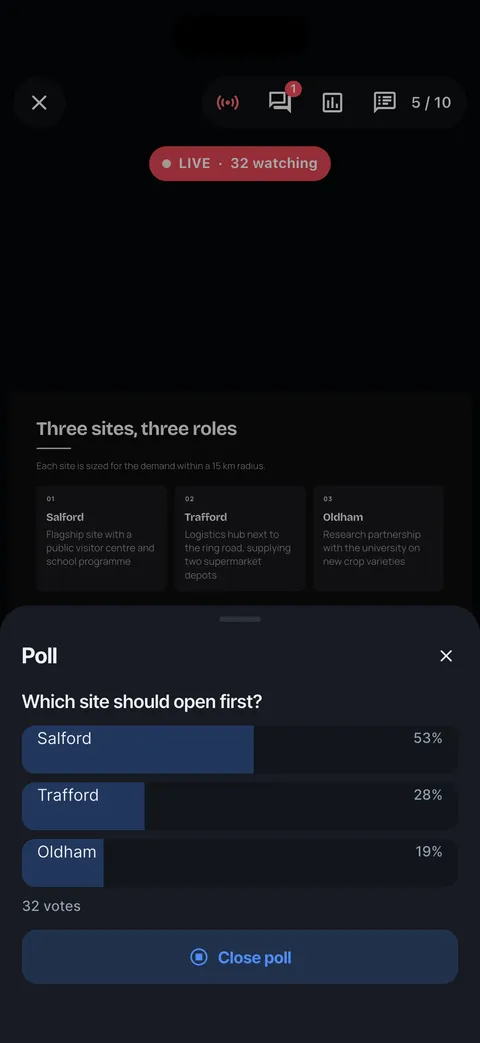
- Start a poll: results come in as people vote.
- Tap Close poll when you have your answer.
Read the article: Present live: your audience follows on their phones