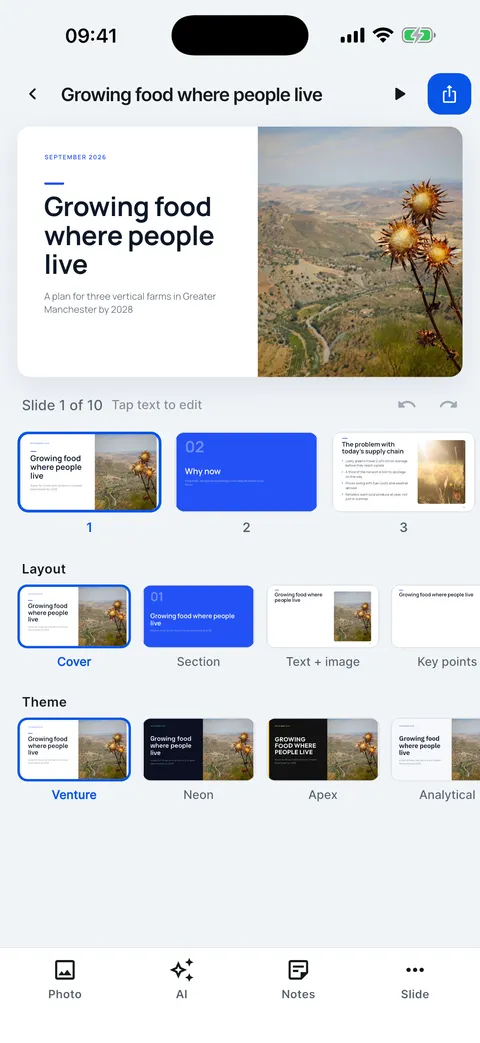
Change the theme and the layout
One tap restyles the whole deck; the layout row changes one slide.
Change the theme and the layout
One tap restyles the whole deck; the layout row changes one slide.
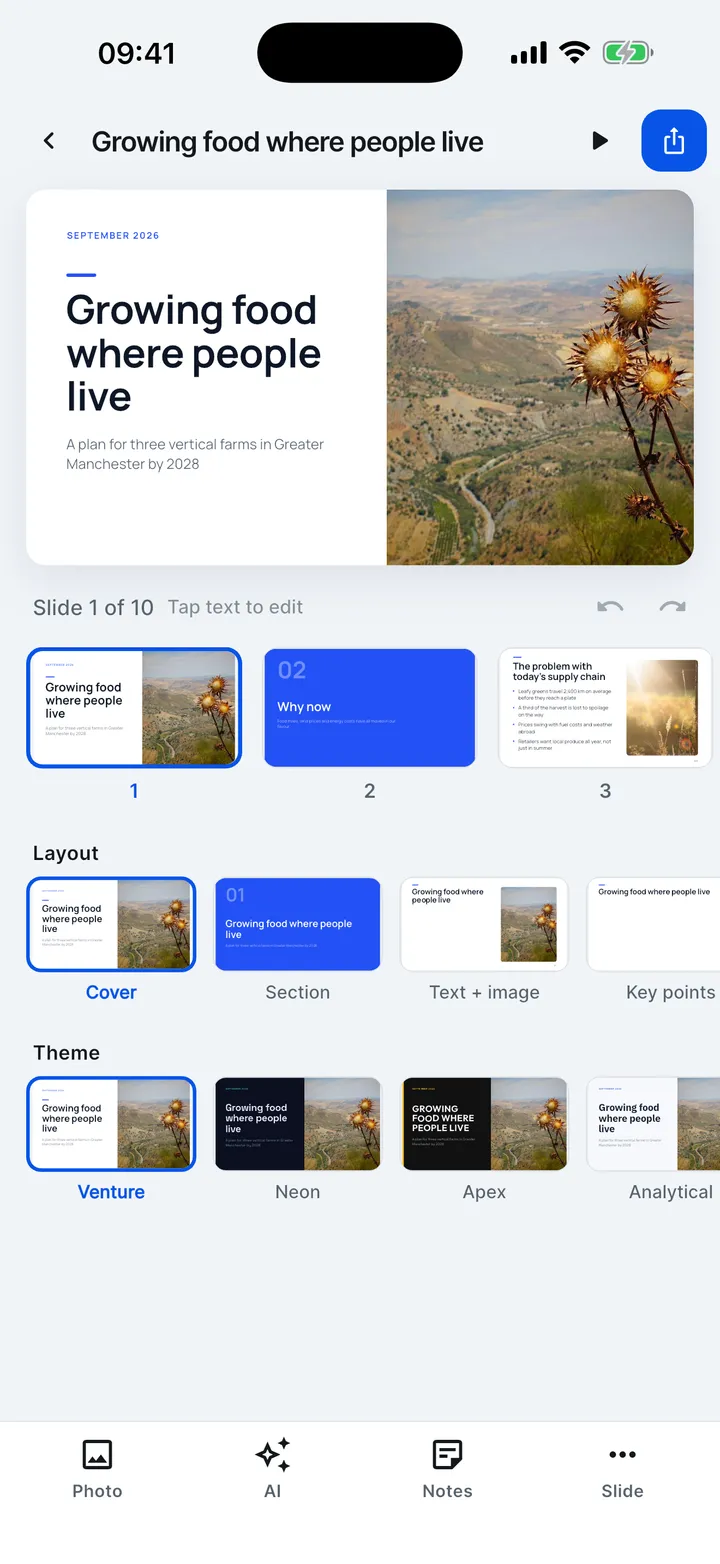

- Under the slide, the Layout row changes this slide’s layout.
- Every layout the slide fits is offered, so nothing is lost.
- The Theme row restyles the whole deck.
- Open Theme to see all twelve on your own slide.
- Tap another theme at any time. Undo brings the previous look back.