


Notes are included in PowerPoint exports unless you turn off Settings > Slides and export > Speaker notes in PowerPoint. They are never shown to your audience in a web link or a live presentation.
Write speaker notes
Tap Notes and write what you will say on the slide. Notes show in presenter view and go into the PowerPoint file.
Steps
Go to the slide and tap Notes.
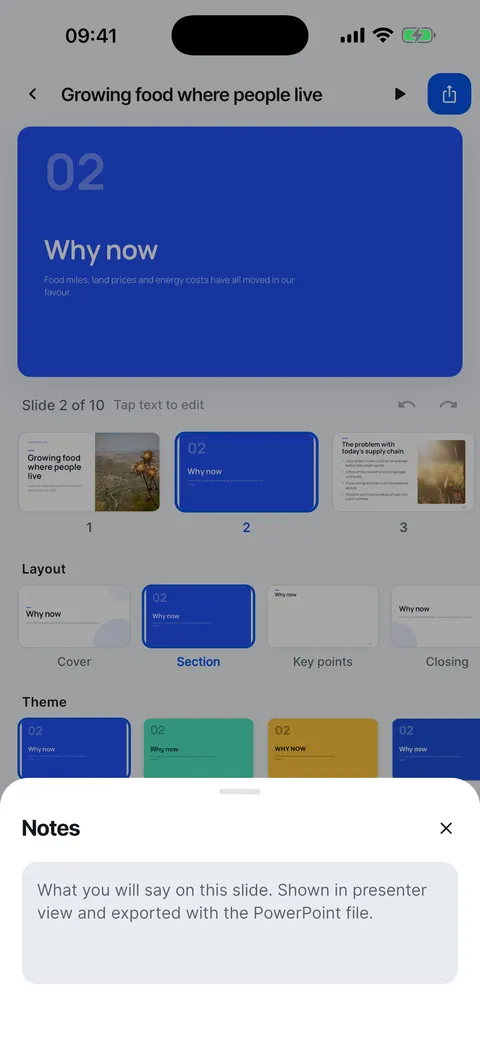

Write your notes. They save as you type.
While presenting, tap the middle of the screen, then the notes button to see them.
Checked on Slide Forge 2.0.0
Was this helpful?
Thank you. That helps us keep the answers right.
Thank you. Tell us what was missing and we will fix the article.Write to support