
Preparing a talk · 7 min read ·
Turning a written report into a talk
A report is read; a talk is heard. How to find the story in a long document and cut it down to what an audience can take in.
A written report and a talk about it are different things, even when they share every fact. A reader can go back, skim, skip to the table they care about. A listener gets each sentence once, in your order, at your speed. So the job is not to shrink the report. It is to choose.
Start from the decision, not the contents page
Ask what the audience should know, feel or decide when you finish. Write it down in one sentence. "We should open the first site in Salford, not Trafford" is a talk. "Findings of the site study" is a contents page.
Everything in the talk now has to help that sentence along. Material that does not goes into the appendix, the handout or the answer to a question.
Find the three things
Most reports make many points. Most audiences remember about three. Go through the report and mark the findings that support your sentence, then group them until you have three. Each becomes a section of the talk, with its own short title slide if the talk is long enough to need signposts.
A useful test: could someone who missed the talk get the gist from a colleague's summary in the corridor? If your three things fit in that summary, you have the right three.
One idea per slide
A report paragraph can carry several ideas. A slide should carry one. When a slide has two ideas, split it; when two slides share an idea, merge them.
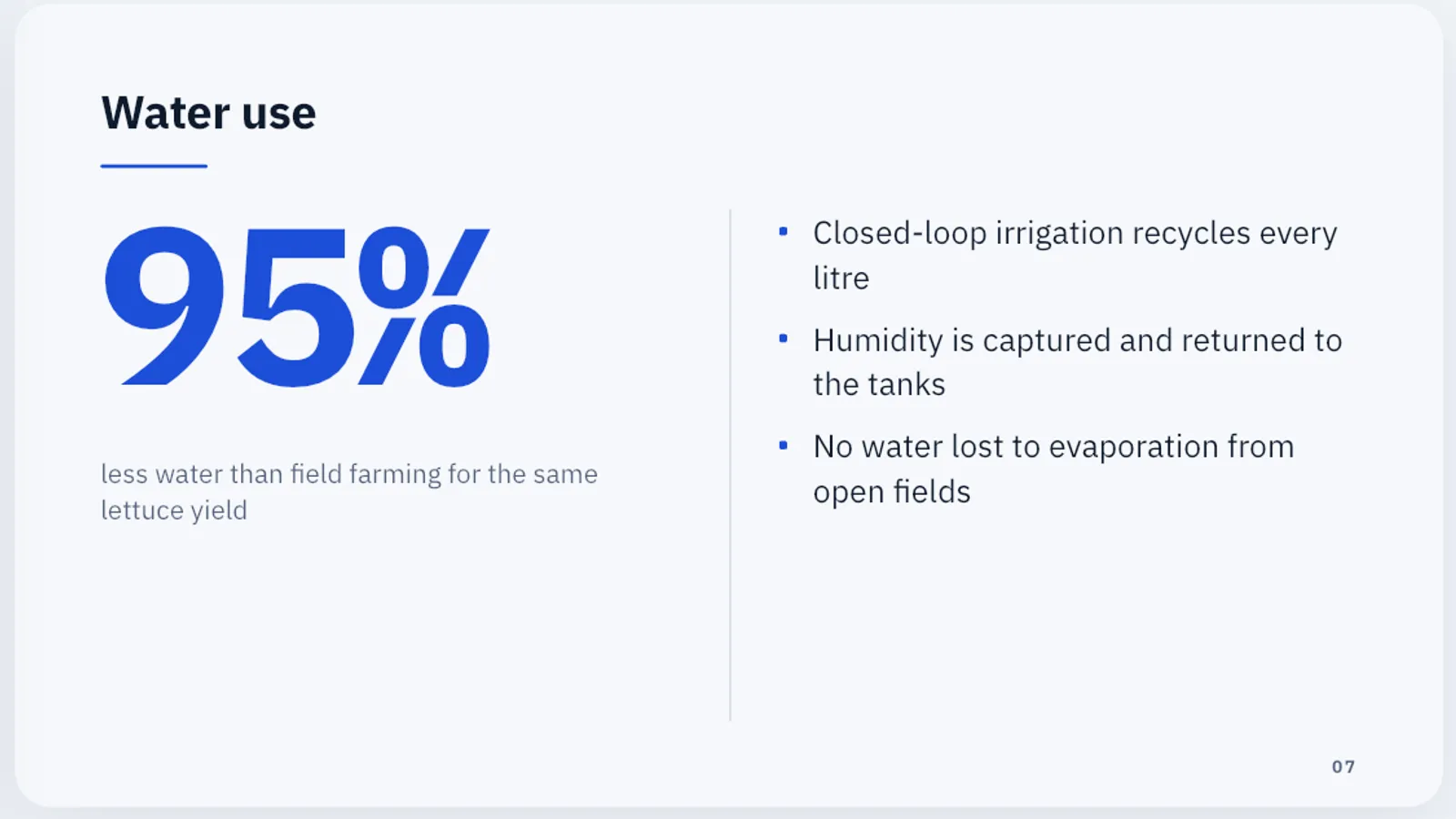
- Numbers: one number per slide, large, with a line saying what it means. Put the table in the appendix.
- Lists: three to five short points, not sentences copied from the report.
- Comparisons: columns, one option per column, with the same kind of line in each.
- A person's words: a quote slide, with the name and role.
Rewrite for the ear
Written sentences are often too long to say. Read each slide's text aloud. If you run out of breath or need to go back to the start of the sentence, rewrite it. Plain words beat technical ones unless the audience uses the technical ones every day.
Keep the careful caveats of the report in your notes. Say them when they matter; do not print them on every slide.
Check the facts twice
When text moves from a report to slides, numbers get rounded, units get dropped and qualifiers disappear. Put the report next to the deck and check every figure, date and name. This is more important still when a tool has helped you write the slides: AI can summarise faithfully and still get a detail wrong.
Leave the report where people can find it
The talk makes the case; the report holds the evidence. End by telling people where the full document is, and send it afterwards. If you share the slides too, a web link works on any device.
Doing it in Slide Forge
Choose From a file on Home and pick the report (PDF, Word, PowerPoint or text, up to 8 MB). Write your one-sentence decision in the topic box instead of the report's title, so Kai builds the talk around it. Pick a small number of slides: fewer slides force the choices this article is about. Then use the AI tools to make the whole deck Shorter or use Simpler words, and turn your key finding into a Big number slide. Details are in Make a deck from a PDF, Word or text file.
More from the blog

Running a live Q&A with polls
Polls and audience questions keep a room with you, if you plan them like part of the talk. How to write good poll questions and handle questions from the floor.

How to structure a pitch in ten slides
A pitch is an argument, not a brochure. A slide-by-slide structure that works for investors, clients and internal budget rounds.