
Presenting · 6 min read ·
Running a live Q&A with polls
Polls and audience questions keep a room with you, if you plan them like part of the talk. How to write good poll questions and handle questions from the floor.
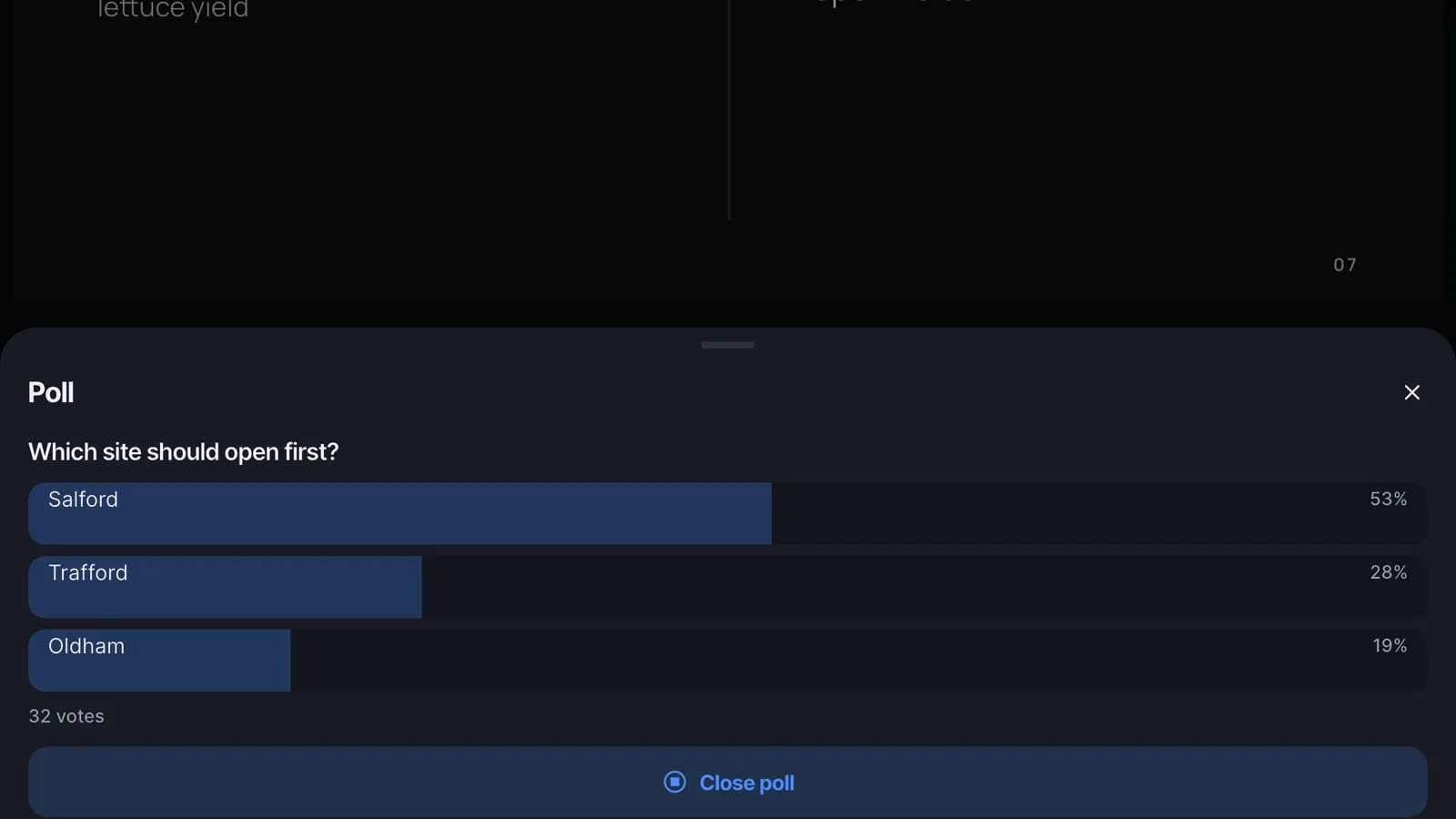
Asking an audience something changes the room. People stop watching and start taking part. But a poll dropped into a talk because the tool allows it tends to feel like a gimmick. The polls that work are planned like any other slide: they have a place in the story and a reason to be there.
Decide what each poll is for
There are three good reasons to poll an audience:
- To find out where they are. Early in the talk: how familiar is this topic, which option do they lean towards? The answer tells you where to spend your time.
- To make a point land. Ask the question before you give the answer. People remember a fact better when they have just guessed it wrong.
- To make a decision. In a workshop or a team meeting, the poll is the outcome.
If a poll does none of these, leave it out.
Write questions people can answer in five seconds
- One question, one idea. "Which site should open first?" not "Which site should open first, and why?"
- Two to six options, all plausible. A joke option is fine once; after that it steals votes.
- Put the options in a natural order (by size, by date, alphabetically) so nobody has to hunt.
- For opinions, Yes / No or a 1-5 scale is often enough.
Plan when to show the results
Showing results immediately invites people to follow the crowd. For a guess or a knowledge check, let the votes come in, close the poll, and then reveal and talk about the answer. For a room-reading poll, showing live results can help: people see they are not alone.
Leave space after a poll. The minute you spend reacting to the result ("more of you picked Oldham than I expected; let me say why that is interesting") is the best minute of the talk.
Questions from the floor, without losing the thread
Written questions sent from phones have two advantages over hands in the air: quieter people ask, and you choose when to answer.
- Say at the start that questions are welcome at any time and that you will take them at set points.
- Glance at the list at the end of each section, answer the ones that fit, and mark them answered.
- Group similar questions and answer them together.
- If a question needs a longer answer than the room has time for, say so and follow up afterwards.
Rehearse the technical part
Open the live link on a second device before the talk and check it follows your slides. Each live session gets a fresh link when you go live, so plan how people will get it: send it to the meeting chat or a group message as the audience arrives. If the venue has a projector, open the link on the laptop connected to it and present from your phone: the laptop follows every slide.
Doing it in Slide Forge
While presenting, tap Present live, then Go live, and share the link. Your audience needs only a browser. Tap the poll button to write a question with up to six options, or use the Yes / No and 1-5 templates, and Close poll when you are ready to talk about the result. Questions collect in their own list, where you can mark each one answered. Step by step: Present live, Run a poll and Take questions and see reactions.
More from the blog

How to structure a pitch in ten slides
A pitch is an argument, not a brochure. A slide-by-slide structure that works for investors, clients and internal budget rounds.
Turning a written report into a talk
A report is read; a talk is heard. How to find the story in a long document and cut it down to what an audience can take in.