
Share a link, see who viewed it
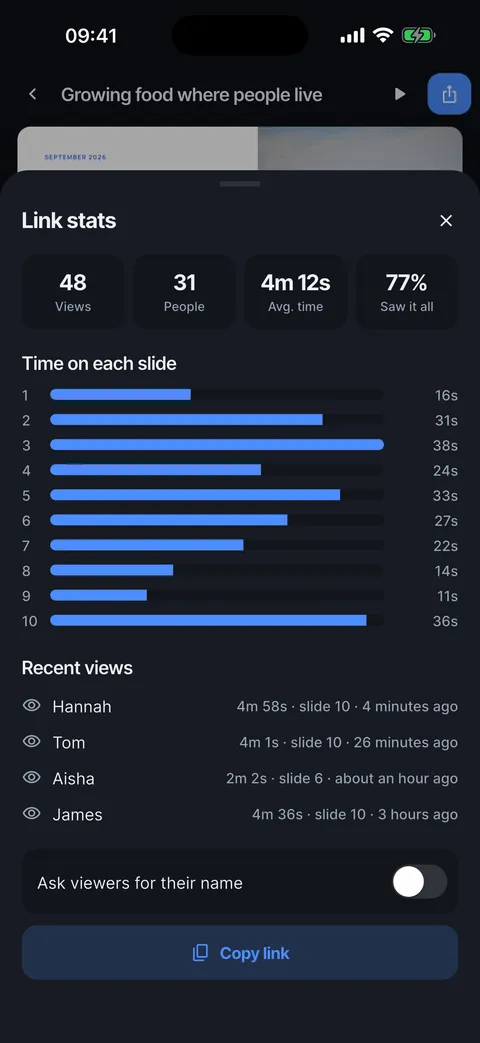
Make a web link from the Export sheet and send it. Link stats show views, people, average time, how many saw the whole deck, the time spent on each slide and each recent visit.


A link that opens anywhere
Anyone with the link can watch the deck in a browser. No app, no account.

Where people slowed down
Time on each slide shows which slides held attention and where people stopped. Recent views list how long each visit was and how far it got.


Names, if you want them
Turn on Ask viewers for their name and visits show a name instead of Someone.
See who viewed your link
Views, people, time on each slide and recent visits.
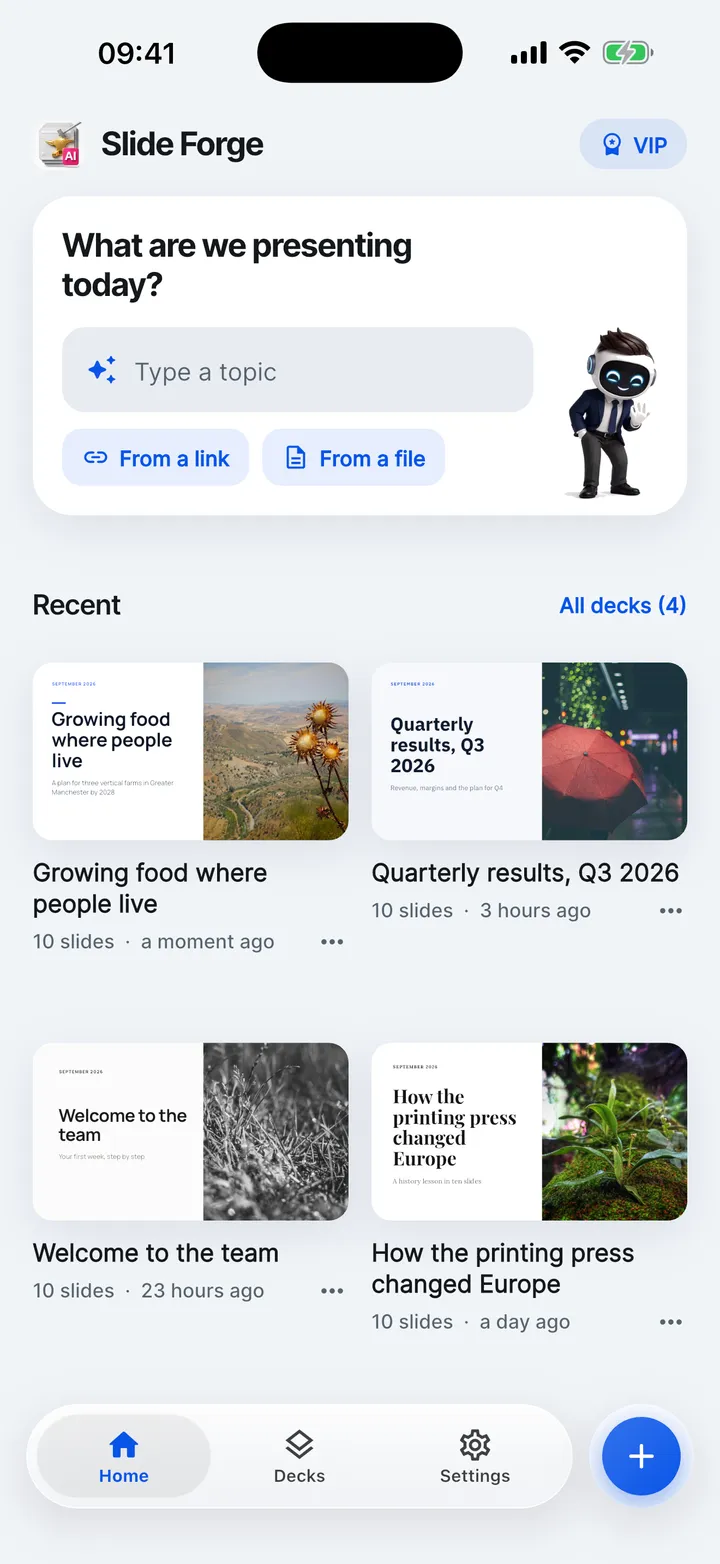
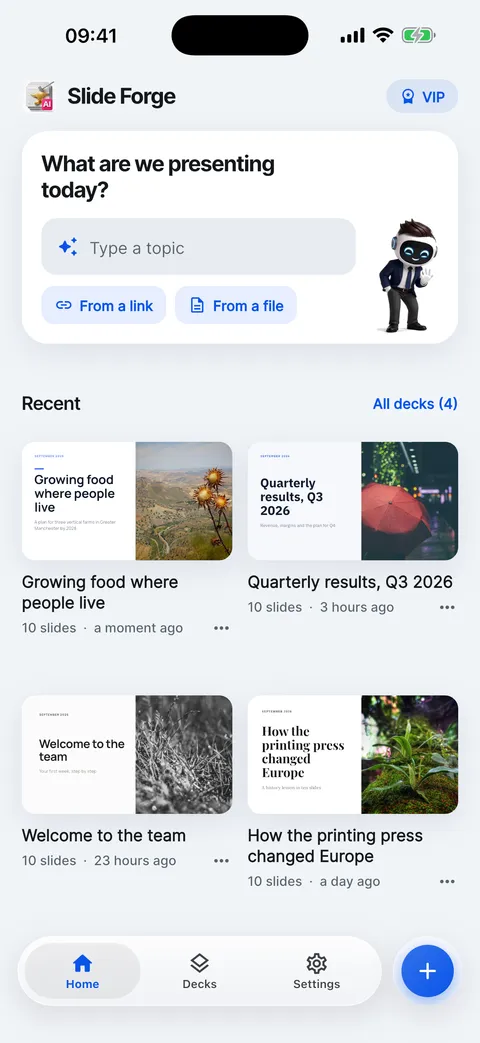
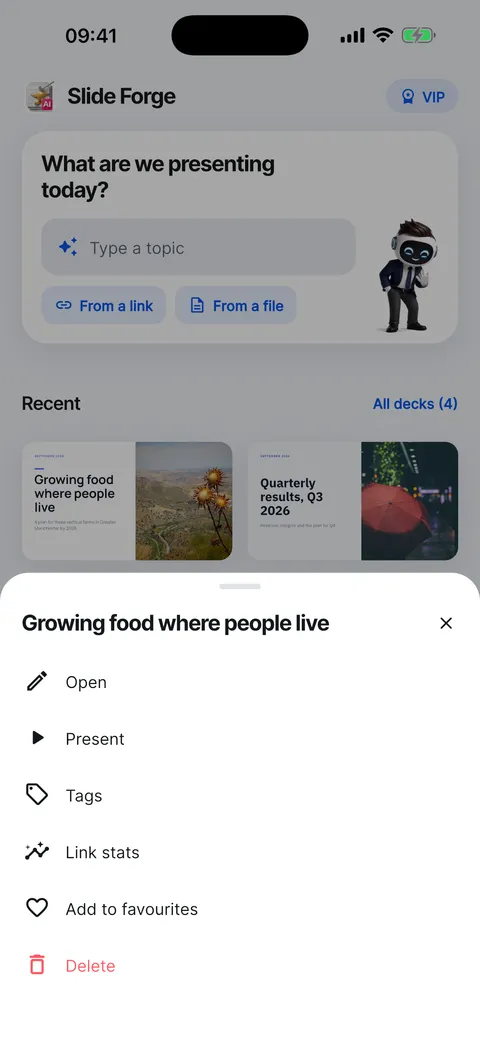
- On Home, tap … on the deck.
- Choose Link stats.
- Views, people, average time and how many saw it all.
- Time on each slide shows where people slowed down.
- Recent views: how long, how far and when.
- Ask viewers for their name to see who they are.
Help for this feature
- Share a deck as a web linkTap Export, then Web link. Anyone with the link can watch the deck in a browser, with no app. Copy it, share it or open it yourself.
- See who viewed your linkOpen Link stats from a deck’s … menu or Who viewed it on the Export sheet. It shows views, people, average time, how many saw it all and the time spent on each slide.