
PowerPoint and PDF that look like your slides
Both exports start from the exact layout on your screen. PowerPoint keeps the text editable, with speaker notes. PDF is a faithful picture of every slide for sending and printing.


PowerPoint
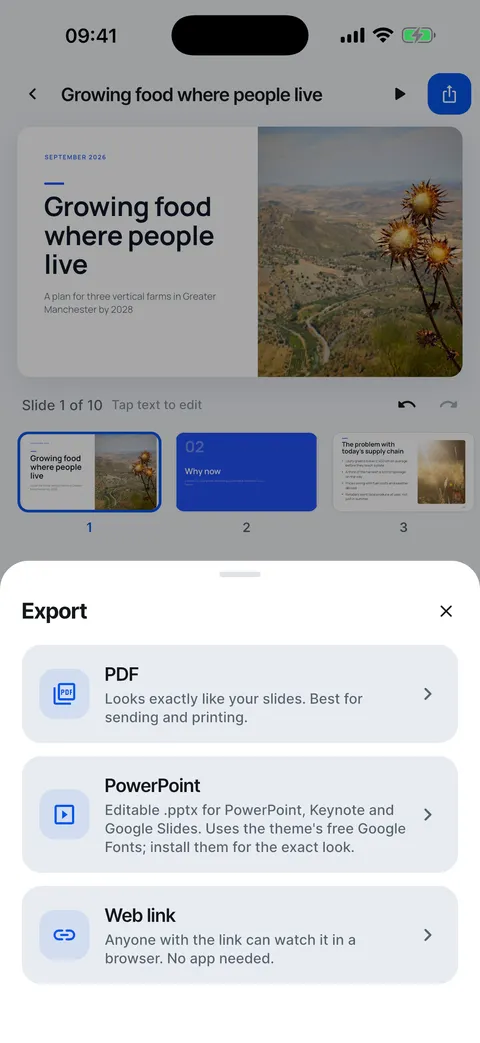
Real text boxes, shapes and photos, placed as the app lays them out, so you can keep editing in PowerPoint, Keynote or Google Slides. Speaker notes come along unless you turn them off.
A 16:9 page per slide that looks the same everywhere. Best for sending and printing.
Straight to the share sheet
When the file is ready, save it to Files, mail it, AirDrop it or open it in another app.
Export to PowerPoint or PDF
Files that look like your slides, ready to send.
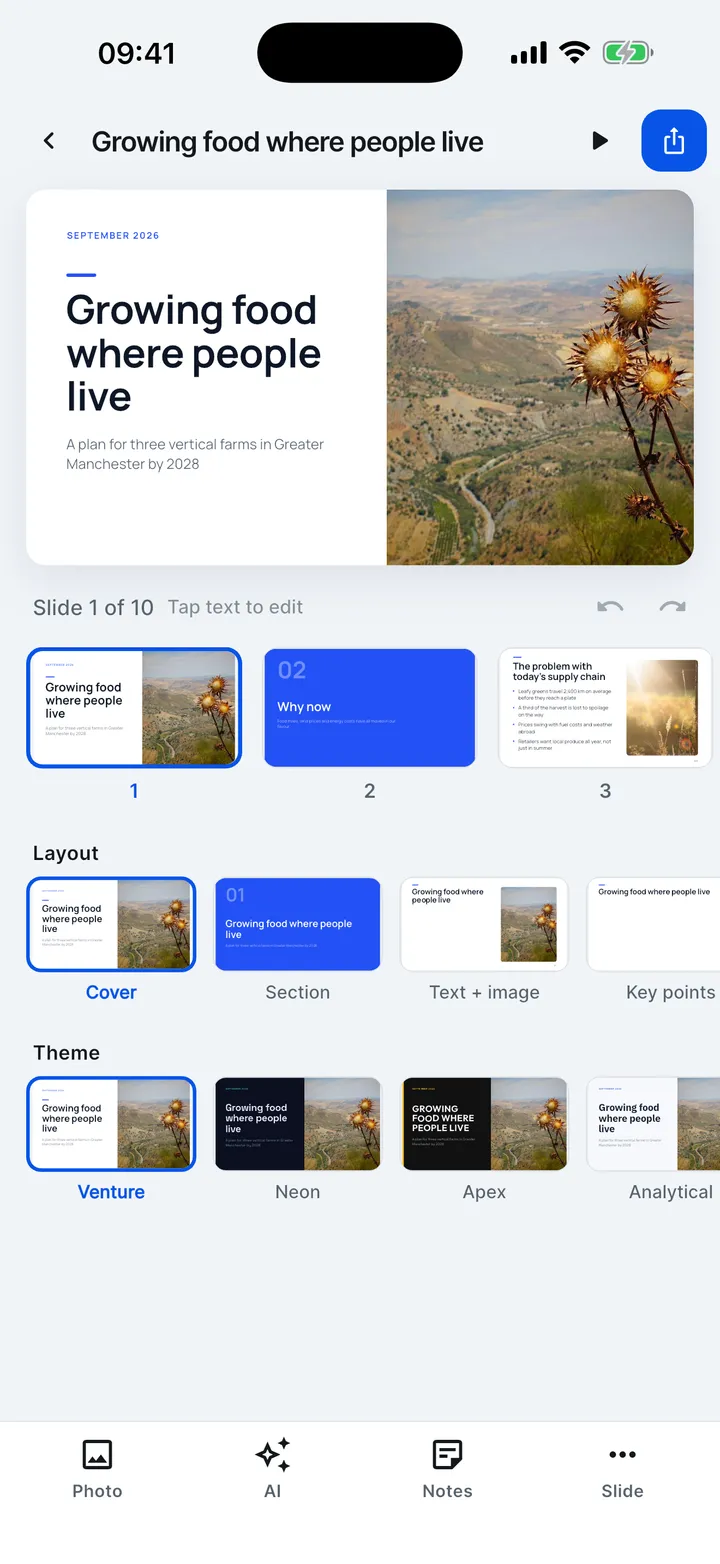
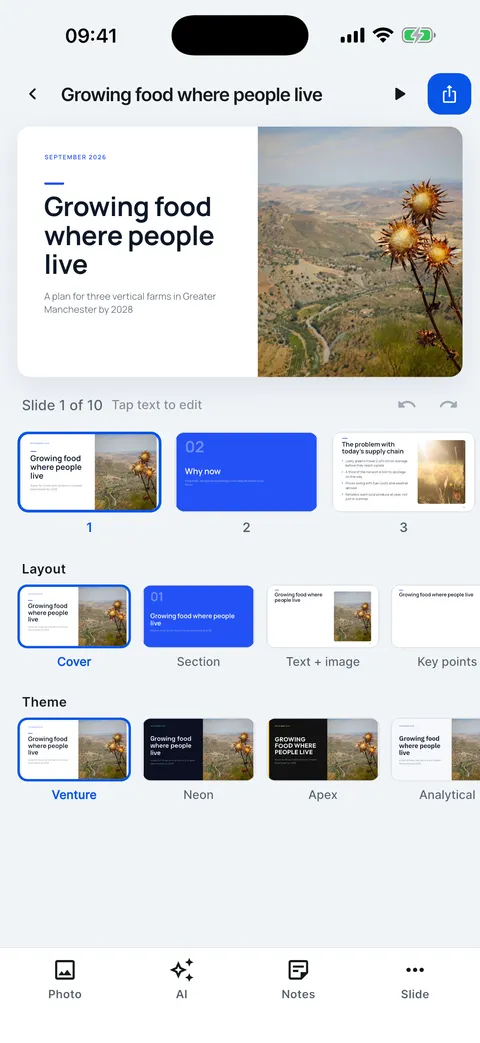
- In the editor, tap Export.
- Choose PDF or PowerPoint, or make a web link.
- The share sheet opens: save to Files, mail it or AirDrop it.
Help for this feature
- Export a PDF or PowerPoint fileTap Export in the editor and choose PDF or PowerPoint. When the file is ready, the share sheet opens so you can save it to Files, mail it or AirDrop it.
- PDF or PowerPoint: which to chooseChoose PDF to send or print a deck that looks exactly like your slides. Choose PowerPoint to keep editing in PowerPoint, Keynote or Google Slides.
- The "Made with Slide Forge" lineFree exports and free web links carry a small “Made with Slide Forge” line. With VIP, exports and links are clean.