
Twelve themes, ten layouts
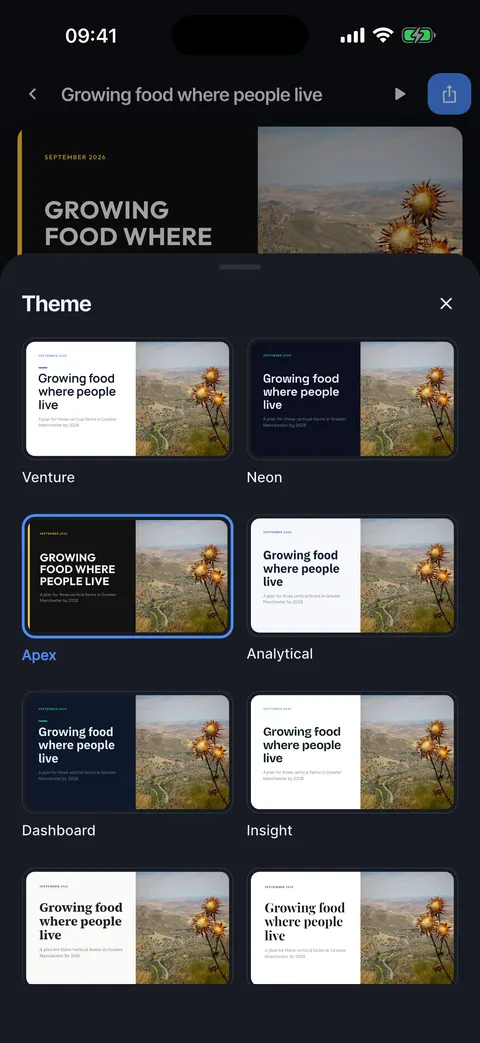
Twelve themes in four groups, pitch deck, data heavy, academic and minimalist, each with its own colours, fonts and decoration. Ten layouts arrange the content of a slide. Exports use the same themes, so files look like the slides.


Pitch deck
Venture, Neon and Apex: confident, high contrast, made for investors and clients.


Data heavy
Analytical, Dashboard and Insight: clear numbers, tidy columns, mono figures where it helps.

Academic
Thesis, Journal and Archive: serif type and quiet colours for class and research.

Minimalist
Zen, Onyx and Paper: lots of room, very little decoration.

Ten layouts
Cover, Section, Text + image, Key points, Columns, Two images, Big number, Quote, Full image and Closing. The layout row only offers layouts that fit the slide.

Change the theme and the layout
One tap restyles the whole deck; the layout row changes one slide.
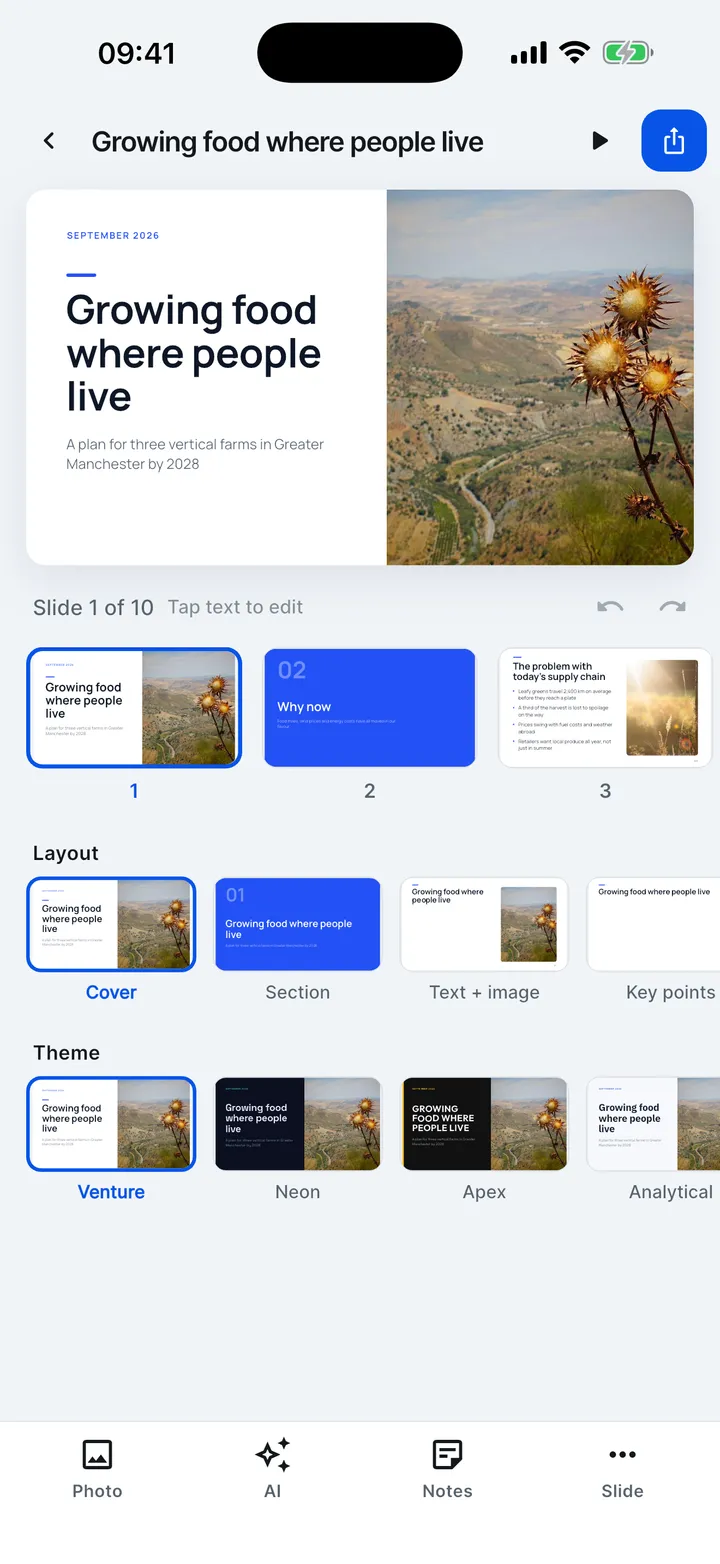
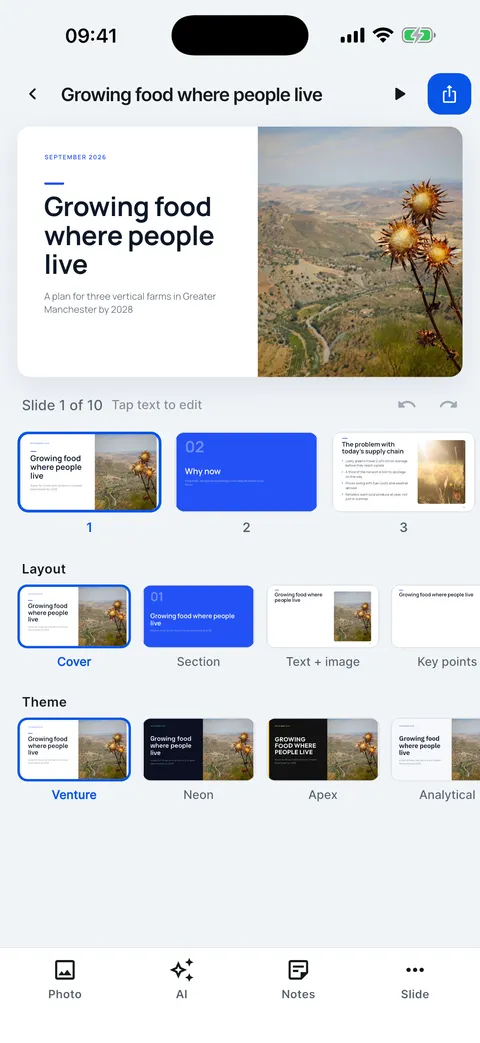
- Under the slide, the Layout row changes this slide’s layout.
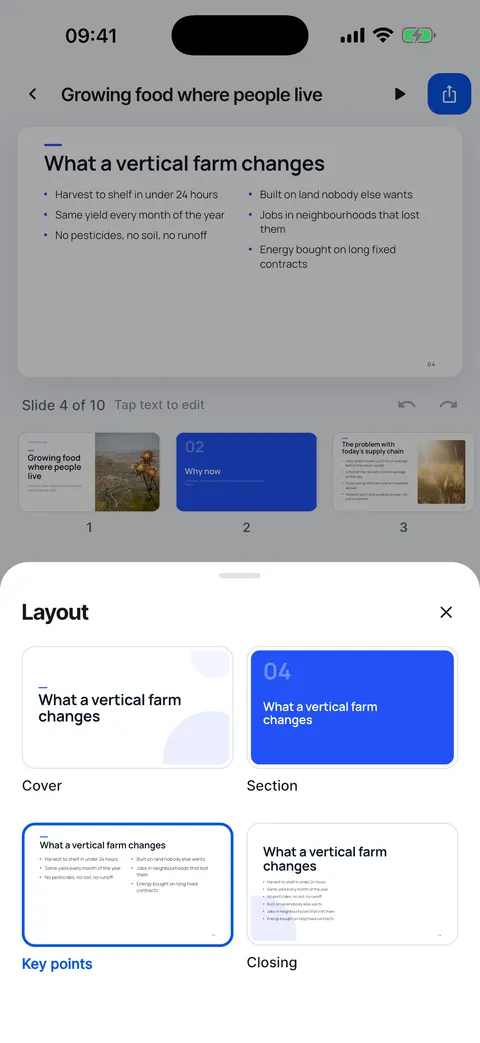
- Every layout the slide fits is offered, so nothing is lost.
- The Theme row restyles the whole deck.
- Open Theme to see all twelve on your own slide.
- Tap another theme at any time. Undo brings the previous look back.
Help for this feature
- Change the themeTap a theme in the Theme row under the slide, or open Theme for all twelve. The whole deck changes and stays laid out.
- Change a slide's layoutPick a layout in the Layout row under the slide. Only the layouts that fit the slide’s content are offered, so nothing is lost.
- The twelve themesSlide Forge has twelve themes in four groups: pitch deck, data heavy, academic and minimalist. Each works with all ten layouts.