
Create a deck with Kai
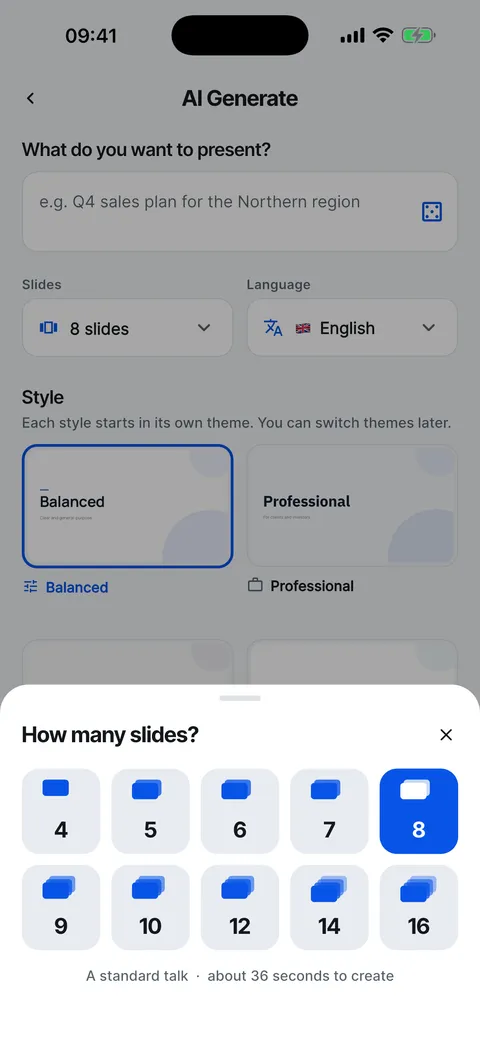
Tell Kai what the deck is about. Kai plans the whole story first, then writes each slide for its place in it and finds photos that fit. Eight slides take about half a minute.


Start from a sentence
Type a topic, or tap an example if you want to see what Kai does. A specific sentence gives a sharper story than a single word.

Or from a page or a document
Paste a link to a public web page, or choose a PDF, Word, PowerPoint or text file of up to 8 MB. Kai reads it and builds the deck from what it says, so your facts stay your facts.
- Web pages: any public page, such as an article or a report
- Documents: PDF, .docx, .pptx and .txt, up to 8 MB

Choose the shape before you start
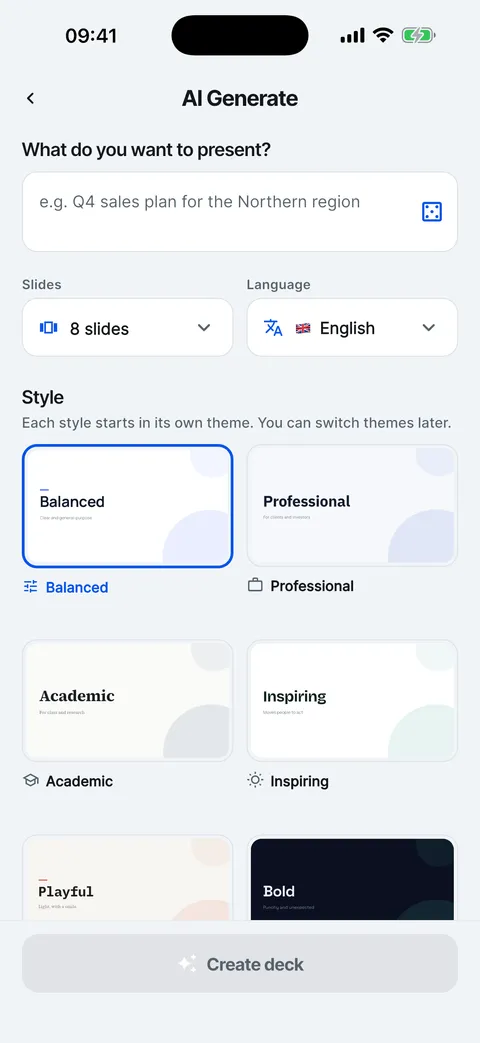
Pick 4 to 16 slides, one of 14 deck languages and one of six styles: Balanced, Professional, Academic, Inspiring, Playful or Bold. Each style starts in its own theme, previewed on your own topic.

Watch it come together
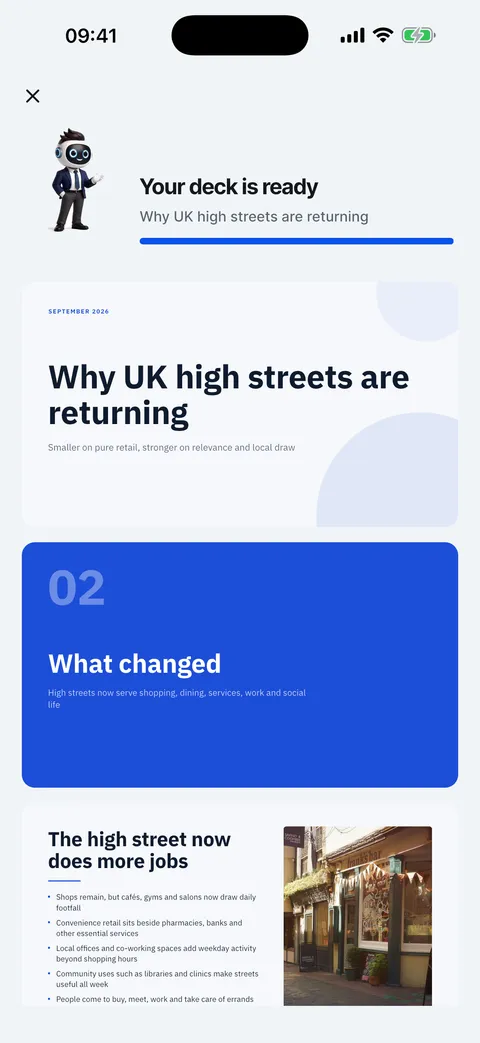
Kai plans the story, writes slide by slide and adds the photos. When it is done, the deck opens in the editor.

Make your first deck from a topic
From an empty Home screen to a finished deck in the editor.
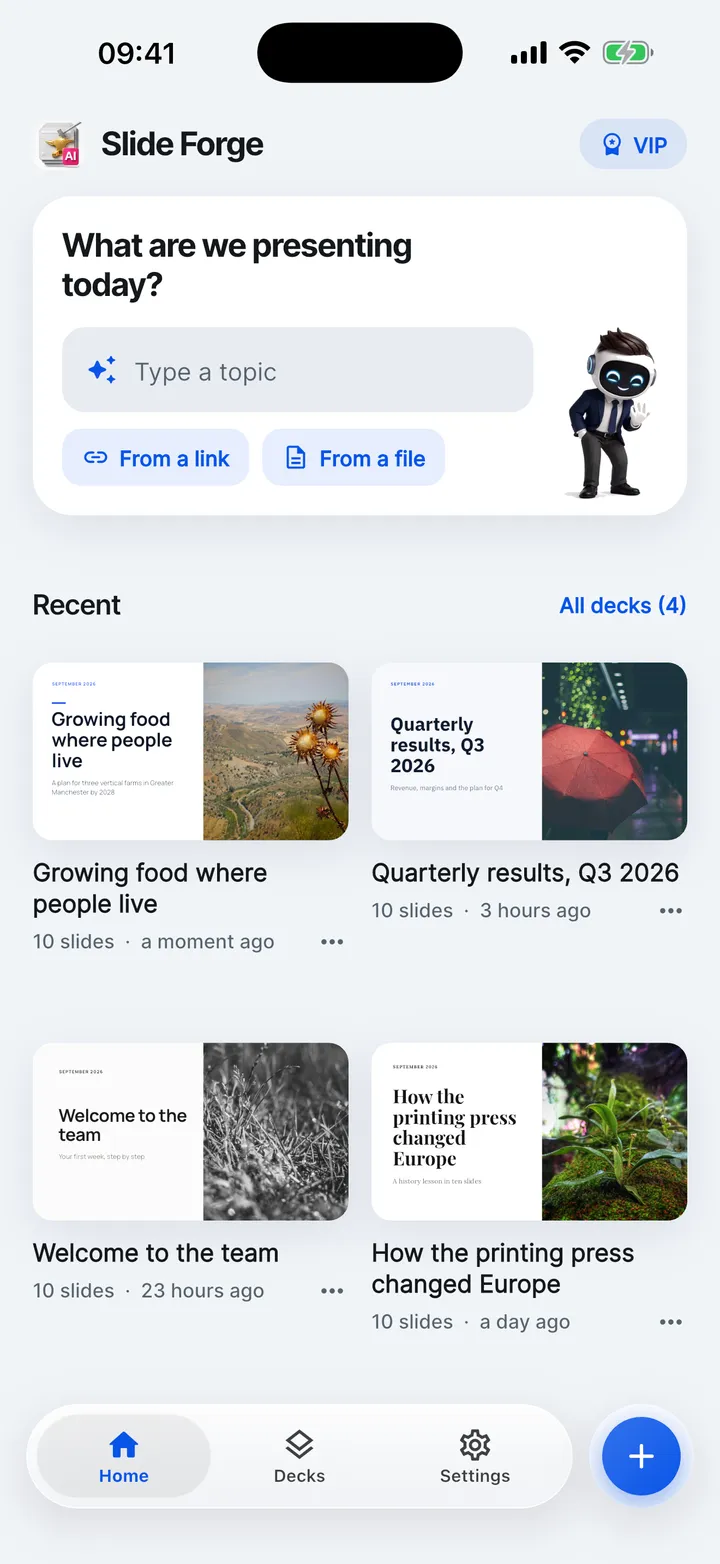
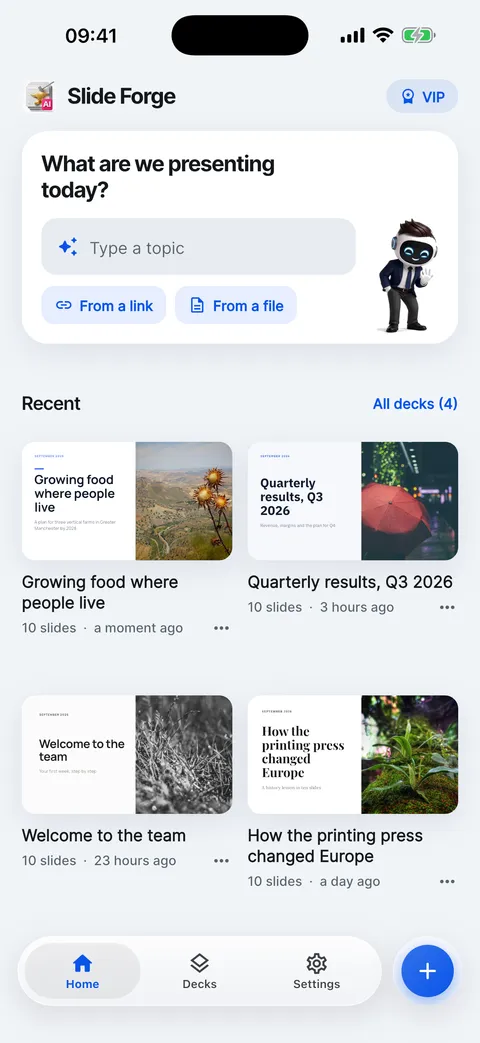
- Tap Type a topic on Home.
- Write what the deck is about in one sentence.
- Choose the number of slides, the language and a style.
- Tap Create deck. Kai plans the story, then writes each slide.
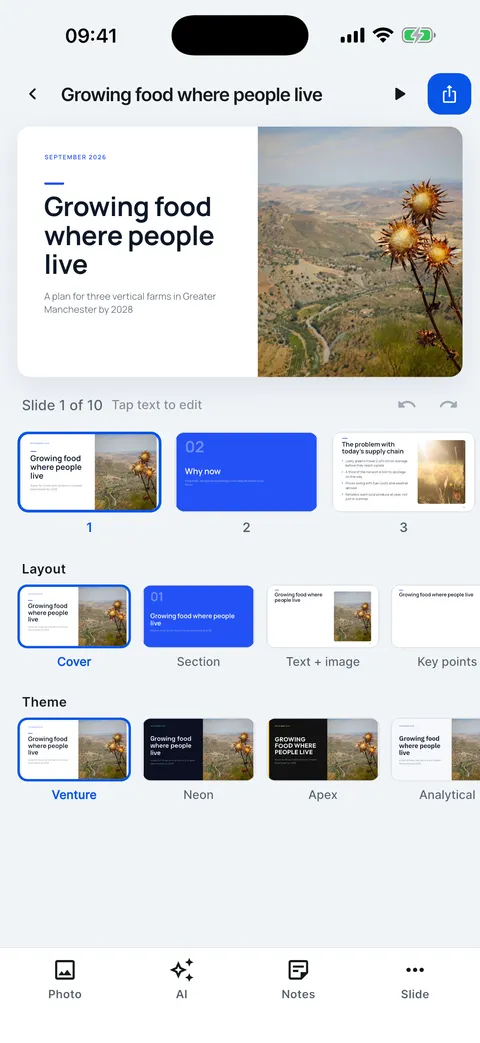
- The deck opens in the editor, ready to change.
Help for this feature
- Make your first deck from a topicType a topic on Home, choose the length, language and style, then tap Create deck. An eight-slide deck takes about half a minute.
- Make a deck from a web linkTap From a link, paste the address and Kai reads the page. The deck is built from what the page says, not from its title alone.
- Make a deck from a PDF, Word or text fileTap From a file and choose a PDF, Word (.docx), PowerPoint (.pptx) or text file of up to 8 MB. Kai builds the deck from its content.
- Choose the length, language and styleBefore you tap Create deck, pick 4 to 16 slides, one of 14 deck languages and one of six styles. Your usual choices can be saved as defaults in Settings.